
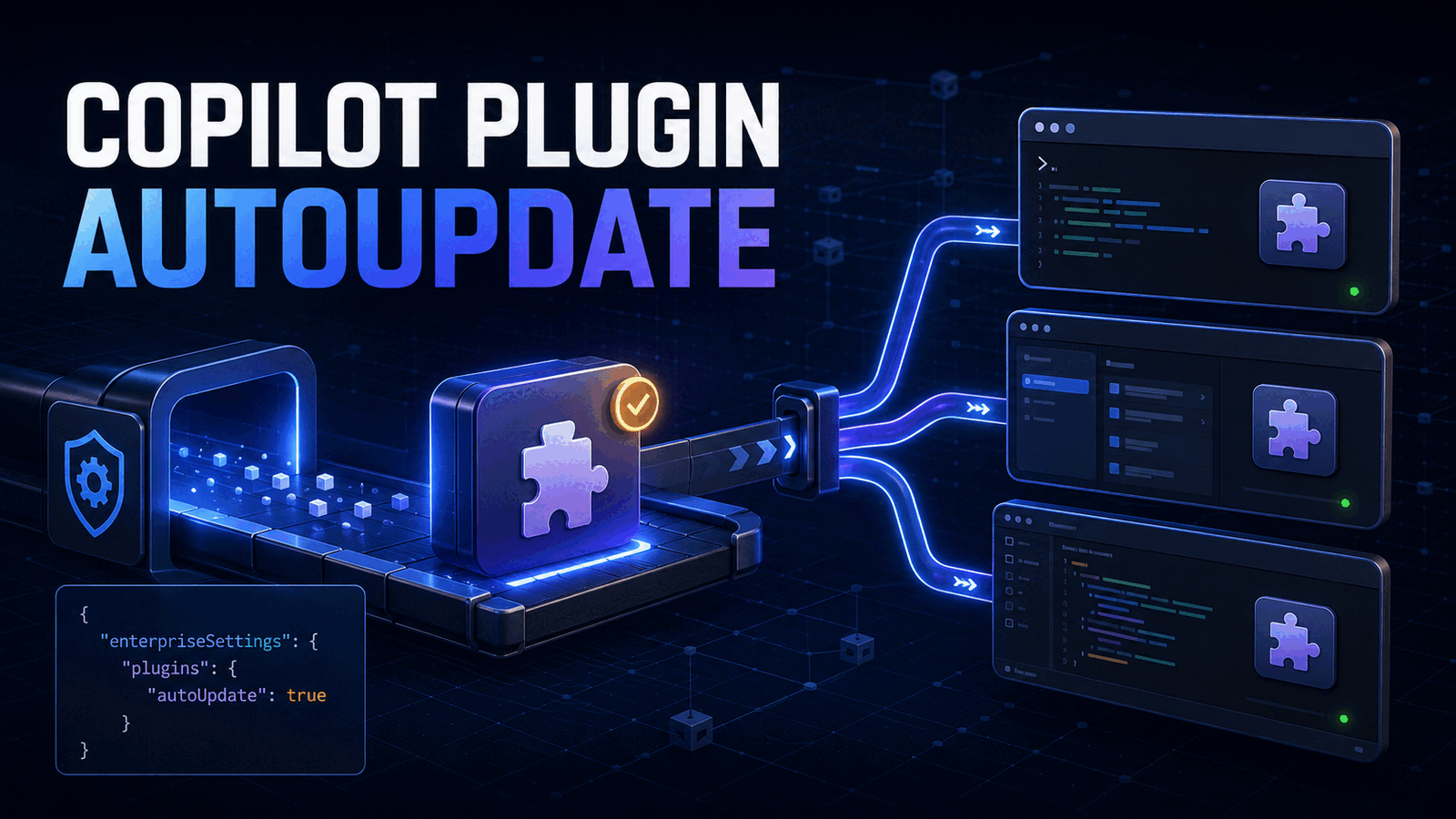
"autoUpdate": true is the new setting that keeps plugins from a GitHub Copilot marketplace current when supported clients start. GitHub made enterprise-managed support generally available on August 26, 2026. Add the flag to one extraKnownMarketplaces entry, keep that source inside strictKnownMarketplaces, and test it on Copilot CLI, the Copilot app, or VS Code before deploying it broadly.
The change solves a specific fleet problem. A platform team can publish a fixed skill or MCP configuration, yet developers may continue running an older installed copy until they remember to update it. Automatic updates reduce that drift. They do not create a safe software supply chain by themselves.
Our position is simple: enable this only for marketplaces your organization owns and reviews. Treat each update as executable developer tooling, not as passive documentation.
What GitHub Copilot plugin marketplace autoUpdate changes
Agent plugins package reusable skills, MCP servers, hooks, custom agents, and other client extensions. A marketplace is the catalog that tells Copilot clients where those plugin packages live.
Before this managed setting, enterprise administrators could distribute a known marketplace and enable selected plugins, but keeping installed copies current still involved manual work or client-specific behavior. The new flag lets supported clients check an opted-in marketplace and update plugins sourced from it automatically.
The setting belongs on the marketplace entry, not on an individual plugin:
{
  "extraKnownMarketplaces": {
    "engineering-tools": {
      "source": {
        "source": "github",
        "repo": "YOUR-ORG/copilot-plugins"
      },
      "autoUpdate": true
    }
  }
}
GitHub currently lists Copilot Business and Copilot Enterprise support for the GitHub Copilot app, Copilot CLI, and Visual Studio Code. Client behavior still matters. The Copilot CLI reference says session-start updates apply to interactive and -p sessions, but not SDK or server sessions.
That last distinction is easy to miss. A long-running server process will not become current just because an administrator added this flag. Build a separate deployment or restart process for those environments.
Configure the enterprise-managed setting
For server-managed settings, use the private enterprise configuration repository. Create or update this file on its default branch:
.github-private/copilot/managed-settings.jsonA practical baseline combines four controls:
{
  "extraKnownMarketplaces": {
    "engineering-tools": {
      "source": {
        "source": "github",
        "repo": "YOUR-ORG/copilot-plugins",
        "ref": "main",
        "path": "marketplace"
      },
      "autoUpdate": true
    }
  },
  "strictKnownMarketplaces": [
    {
      "source": "github",
      "repo": "YOUR-ORG/copilot-plugins",
      "ref": "main",
      "path": "marketplace"
    }
  ],
  "enabledPlugins": {
    "review-standards@engineering-tools": true
  },
  "permissions": {
    "disableBypassPermissionsMode": "disable"
  }
}
extraKnownMarketplaces makes the catalog available. autoUpdate opts that catalog into updating. strictKnownMarketplaces restricts installation to approved sources. enabledPlugins controls which named packages should be enabled. The permissions setting prevents users from switching to an unrestricted approval mode.
Keep the marketplace name stable. Plugin keys use the form plugin-name@marketplace-name, so renaming the catalog can break the mapping even if the repository stays the same.
GitHub supports github, git, and directory marketplace sources. For an enterprise rollout, a repository owned by the organization is easier to review and operate than a developer-local directory. A ref can point to a branch, tag, or commit, while path limits the source to a subdirectory.
There is a tradeoff between a moving branch and a fixed ref. A branch lets approved fixes reach users quickly. A tag or commit gives stronger change control, but automatic update has little effect until an administrator advances the ref. We prefer a protected release branch with required review, automated validation, and a documented rollback procedure.
If your team is packaging custom agents around product repositories, our GitHub Copilot Ollama guide shows why client, model, and environment differences must be tested together. Axentia's generative AI development work can help turn those customizations into a versioned internal platform instead of a collection of local setup instructions.
Roll out without surprising developers
Start with one low-risk plugin and a small enterprise team. GitHub says server-managed setting updates normally apply automatically within about an hour. Restarting the client or signing in again triggers an immediate refresh.
Use this rollout sequence:
- Publish a plugin version that exposes its build or release identifier in a harmless command.
- Add the marketplace to
extraKnownMarketplaceswithout enabling automatic updates. - Confirm that pilot users can discover and install the expected plugin.
- Add the same source to
strictKnownMarketplacesand confirm unapproved catalogs are rejected. - Set
autoUpdatetotrue, publish a small test release, and restart each supported client. - Verify the new identifier, then inspect normal agent behavior and permission prompts.
- Expand to more teams only after the update and rollback paths both work.
Do not test only whether the catalog moved. Verify that the installed plugin changed. Those are different states. A refreshed marketplace can advertise a newer package while a client, cache, source path, or session type prevents the installed copy from advancing.
For Copilot CLI, run the normal marketplace and plugin inspection commands supported by your installed version:
copilot plugin marketplace list
copilot plugin list
Then open a fresh interactive session and invoke the plugin's version check. If the client still runs the old package, test a manual update to separate catalog access from automatic-update behavior:
copilot plugin update review-standards@engineering-toolsCommand names have changed as the plugin interface matured, so check copilot plugin --help on the client version you deploy. The observable result matters more than assuming one command exists everywhere.
The production limitation is trust
An agent plugin can influence far more than autocomplete. Depending on its contents and client support, it can add instructions, start MCP servers, register hooks, introduce tools, and change how an agent performs work. Updating such a package at session start moves new code or behavior into a developer's working environment.
That makes the marketplace repository part of your software supply chain. Protect its default and release branches. Require pull request review. Run schema checks and static analysis. Test MCP startup and permissions in a clean environment. Record a release identifier. Keep the previous known-good ref available for rollback.
We would not point enterprise auto-update at an unrestricted public marketplace. strictKnownMarketplaces limits where users can install from, but it does not prove that every future commit in an allowed repository is safe. Repository access, branch protection, review ownership, and CI controls still carry that responsibility.
The feature also does not guarantee simultaneous fleet convergence. Server-managed policy can take time to refresh, clients update on their own lifecycle, and SDK or server sessions do not follow the CLI session-start behavior. If every machine must run one exact version before a regulated deployment, use device management or an image-based rollout that verifies the installed artifact.
When autoUpdate is not worth using
Keep updates manual when a plugin touches production credentials, modifies deployment infrastructure, or has not reached a stable release process. A review gate before each developer update may be useful friction.
Do not enable it to compensate for an unversioned marketplace. If no one can identify what changed, reproduce a prior package, or roll back, faster distribution only increases the blast radius.
It is also unnecessary for a plugin used by one or two developers who already update it during active development. Enterprise-managed auto-update earns its place when the maintenance burden and version drift are real, and when the publishing pipeline is mature enough to be trusted.
For broader coding-agent adoption, our Linear Coding Sessions guide explains another part of the same operating model: agents need clear task boundaries and a reviewable handoff, not just access to more tools.
FAQ
Where do I set GitHub Copilot plugin marketplace autoUpdate?
Set "autoUpdate": true inside the chosen extraKnownMarketplaces entry. Enterprise server-managed deployments place it in .github-private/copilot/managed-settings.json. User-level settings can also opt in, but a repository-level autoUpdate value is accepted and ignored for marketplace updates.
Does autoUpdate work in every GitHub Copilot client?
GitHub lists support in Copilot CLI, the GitHub Copilot app, and Visual Studio Code for Business and Enterprise plans. Copilot CLI performs the check for interactive and -p sessions. SDK and server sessions do not automatically update at session start, so they need a separate rollout mechanism.
Does strictKnownMarketplaces make automatic updates safe?
No. It restricts marketplace sources, which is useful, but it does not review future changes inside an approved source. Protect the marketplace repository, require reviewed releases, validate packages in CI, limit plugin permissions, and keep a tested rollback ref before enabling automatic updates across a fleet.
Treat plugin updates as a release pipeline
GitHub Copilot plugin marketplace autoUpdate removes repetitive client maintenance. The correct implementation pairs it with an allowlist, a protected source, visible versions, a pilot group, and a rollback path.
If you are standardizing AI coding agents across a team, book a call with Axentia. We can design the marketplace, managed settings, validation pipeline, and deployment checks around the repositories and client environments your developers actually use.