
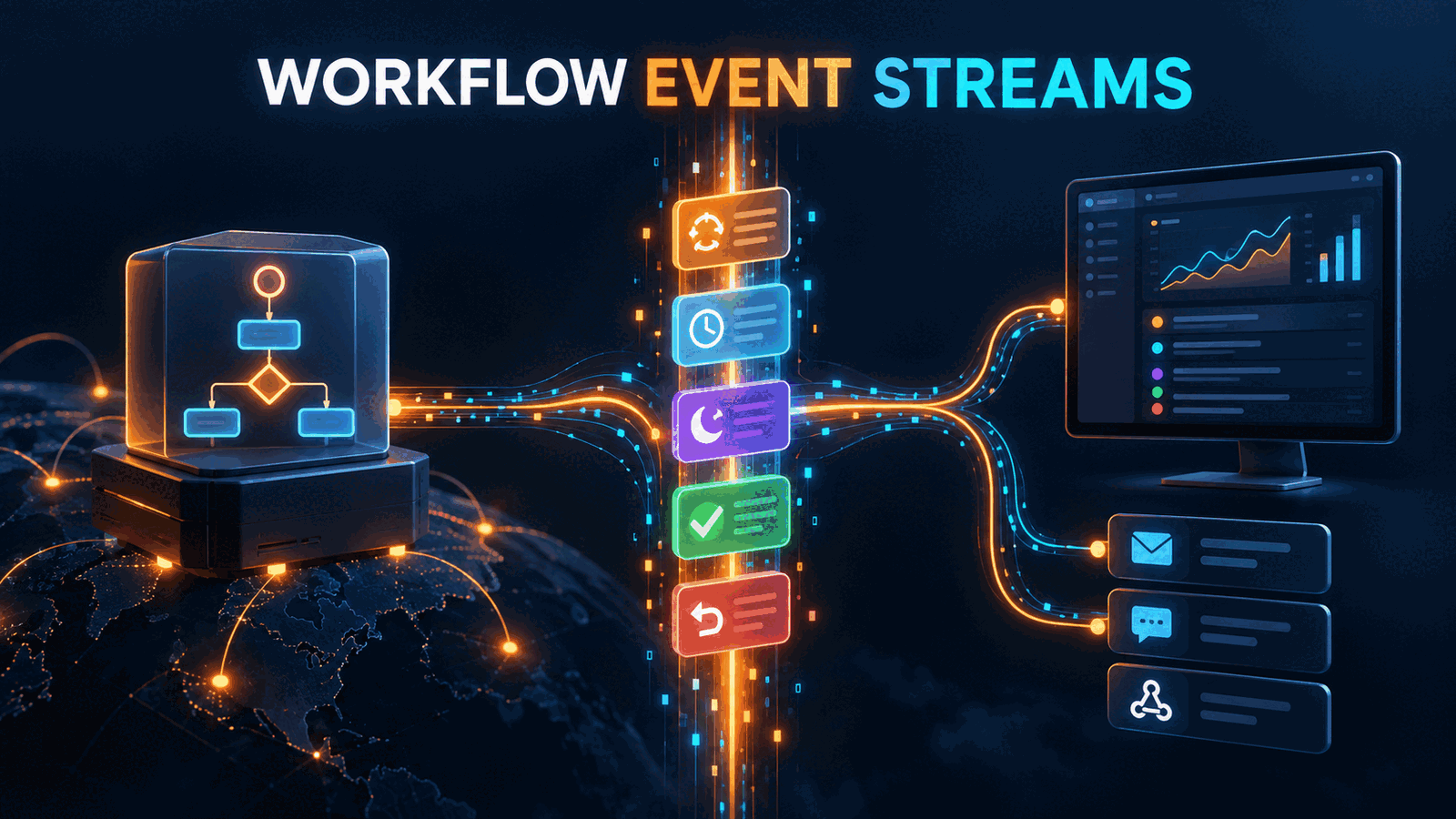
Cloudflare added WorkflowInstance.subscribe() on September 15, 2026, so a Worker can consume a Workflow instance's event history and then wait for new events on the same stream. The practical use is to replace repeated status polling with one event-driven path for dashboards, notifications, and follow-up automation. The catch is replay: a new subscription emits historical events first, so consumers need cursors or idempotent processing to avoid sending the same notification twice.
What Cloudflare WorkflowInstance.subscribe changes
Cloudflare Workflows already persisted steps, retries, sleeps, waits, and rollbacks. Applications could inspect an instance, but a live dashboard usually had to poll status and infer what changed between responses.
The September 15 changelog introduces two ways to stream the instance log: WorkflowInstance.subscribe() inside a Worker and GET /subscribe for HTTP clients. Cloudflare says a new subscription first emits the instance's existing event history, then remains open for events produced as the Workflow continues.
That history-first behavior is the feature, not an implementation detail. It lets a client connect after a Workflow starts and reconstruct its state without a separate backfill request. It also means a reconnect is not automatically exactly once.
Our position is to treat the subscription as a resumable event log, not a notification callback. Build a projection from events, store the last accepted cursor, and make side effects idempotent.
The stream sits beside the Workflow, not inside its steps
A subscription observes an instance. It does not change the Workflow's step code or replace durable execution. The Workflow continues to persist progress while one or more consumers turn its event log into read models and side effects.
Workflow instance
Steps, retries, waits, rollbacks
subscribe()
History first, then live events
Consumer Worker
Filter, project, checkpoint
Status projection
Dashboard reads current state
Side effects
Notify once per event identity
Cloudflare's Workflows guide describes the underlying model as durable, multi-step execution that can retry, persist state, and run for hours or days. Subscription consumers should remain disposable. If a dashboard disconnects, the Workflow must continue.
Start with a read-only event endpoint
The smallest Worker handler gets the instance, opens a subscription, and returns the stream. The exact event shapes depend on the Workflow event schema, so the endpoint should forward structured events rather than inventing state from log strings.
export default {
  async fetch(request: Request, env: Env): Promise<Response> {
    const url = new URL(request.url);
    const instanceId = url.searchParams.get("instance");

    if (!instanceId) {
      return Response.json({ error: "instance is required" }, { status: 400 });
    }

    const instance = await env.REPORT_WORKFLOW.get(instanceId);
    using subscription = await instance.subscribe();

    const stream = new ReadableStream({
      async pull(controller) {
        const { value, done } = await subscription.next();
        if (done) {
          controller.close();
          return;
        }

        controller.enqueue(new TextEncoder().encode(`${JSON.stringify(value)}\n`));
      },
    });

    return new Response(stream, {
      headers: {
        "content-type": "application/x-ndjson; charset=utf-8",
        "cache-control": "no-store",
      },
    });
  },
} satisfies ExportedHandler<Env>;
We type-checked the control flow separately with a minimal AsyncIterator interface. The Cloudflare-specific binding types still need the current Workers type package in the target project. The using declaration matters because it disposes the subscription when the request finishes.
NDJSON is useful here because each event is independently parseable and clients can consume it incrementally. Server-Sent Events may be better for browser-only dashboards, but it requires framing each record as data: ...\n\n and handling browser reconnect semantics deliberately.
If your team is connecting durable Workflows to product UI, our SaaS development work is most useful at this boundary: event identity, reconnect behavior, and read-model ownership should be decided before the dashboard becomes a second orchestration engine.
Reconnect with a cursor, not a timestamp
Cloudflare documents a cursor option for starting from a particular point and a filter option for selecting event types. Prefer the platform cursor over a local wall-clock timestamp. Clocks drift, two events can share a timestamp, and timestamp comparisons create ambiguous inclusive boundaries.
A production consumer should persist three fields together:
| Field | Purpose | Failure if missing | |---|---|---| | Instance ID | Selects the Workflow log | Events from different runs mix | | Cursor | Resumes after the last accepted position | History is replayed from the start | | Event identity | Deduplicates external side effects | Emails or webhooks fire twice |
Do not checkpoint before the projection update or notification record is durable. If the process crashes after saving the cursor but before saving the result, that event can be skipped. If it crashes after the result but before the cursor, replay is safe only when the write is idempotent.
For dashboards, the simplest pattern is an upsert keyed by instance ID and event identity. For notifications, insert a delivery row with a unique constraint before calling the provider. A duplicate replay then becomes a harmless conflict instead of a second message.
Filters reduce traffic, but they can hide state transitions
The release says subscriptions can filter specific event types. Filtering is attractive when a consumer only needs terminal step results or failures. It reduces parsing and keeps a UI from receiving low-level attempt events.
The risk is building a projection that cannot explain its own state. A dashboard that listens only for completion events cannot distinguish a sleeping Workflow from a stalled connection. A notification service that ignores rollback events can tell a user that a step completed even after its effects were unwound.
We would begin with the full stream in a staging environment, record the event types emitted by representative success, retry, wait, cancellation, and rollback paths, then define a filter. Keep unknown event types observable. Silently dropping them turns a future schema addition into invisible behavior.
The API removes polling load, not long-lived connection cost
Polling every two seconds creates 30 requests per minute per visible instance, even when nothing changes. A subscription avoids that repeated status traffic and delivers transitions closer to when they occur.
It does not make connections free. A live HTTP response occupies client and server resources, intermediaries may enforce idle timeouts, and mobile networks reconnect frequently. Browser tabs also multiply subscribers when several operators inspect the same run.
For a few internal dashboards, direct subscriptions are reasonable. At larger fan-out, use one backend consumer per instance or tenant, maintain a read model, and let clients fetch or subscribe to that projection. Do not attach 500 browsers directly to the same Workflow log because the API makes it possible.
When WorkflowInstance.subscribe is not worth using
Keep polling when the consumer only needs a final result, checks infrequently, and already has a reliable status endpoint. A batch process that inspects completion every ten minutes gains little from maintaining a live stream.
Do not use the instance stream as a general analytics bus. It is scoped to Workflow execution events, not arbitrary domain events. Publish business events to a queue or event system with an explicit retention and consumer contract.
The honest limitation is that Cloudflare's announcement establishes replay, filters, cursors, and event categories, but it does not remove application-level delivery design. Exactly-once notifications, projection migrations, retention expectations, and multi-client fan-out remain your responsibility.
For another Cloudflare implementation decision, see our guide to Cloudflare crawl controls and 400 errors. It covers a different platform boundary, but the same rule applies: measure the behavior your deployment actually enforces instead of inferring it from an older client assumption.
What to test before production
Run one Workflow through success, a retried step, a timed wait, and a rollback. Disconnect the subscriber after each transition, reconnect from the saved cursor, and verify that the final projection matches a clean replay.
Then force the same event through the notification path twice. If two messages leave the system, the consumer is not ready. Finally, test the idle timeout imposed by your browser, CDN, load balancer, and Worker route, not only the local development connection.
Cloudflare WorkflowInstance.subscribe FAQ
Does WorkflowInstance.subscribe replay old events?
Yes. Cloudflare says a new subscription first streams the instance's complete event history and then waits for new events. Use a cursor to resume from a known point. Consumers that trigger webhooks or messages should also deduplicate by event identity because reconnects can replay accepted work.
Can browsers consume Cloudflare Workflow events directly?
The HTTP GET /subscribe endpoint can support an HTTP client, but direct browser access still needs authentication, authorization, disconnect handling, and suitable stream framing. For multi-user products, we prefer a backend consumer that builds a tenant-scoped projection rather than exposing the Workflow instance log to every browser.
Should WorkflowInstance.subscribe replace polling everywhere?
No. Use subscriptions when users or downstream systems need timely transitions from a long-running Workflow. Polling remains simpler for infrequent final-status checks. A subscription also needs cursor storage, idempotent side effects, timeout handling, and fan-out control, so it adds machinery that small batch jobs may not need.