
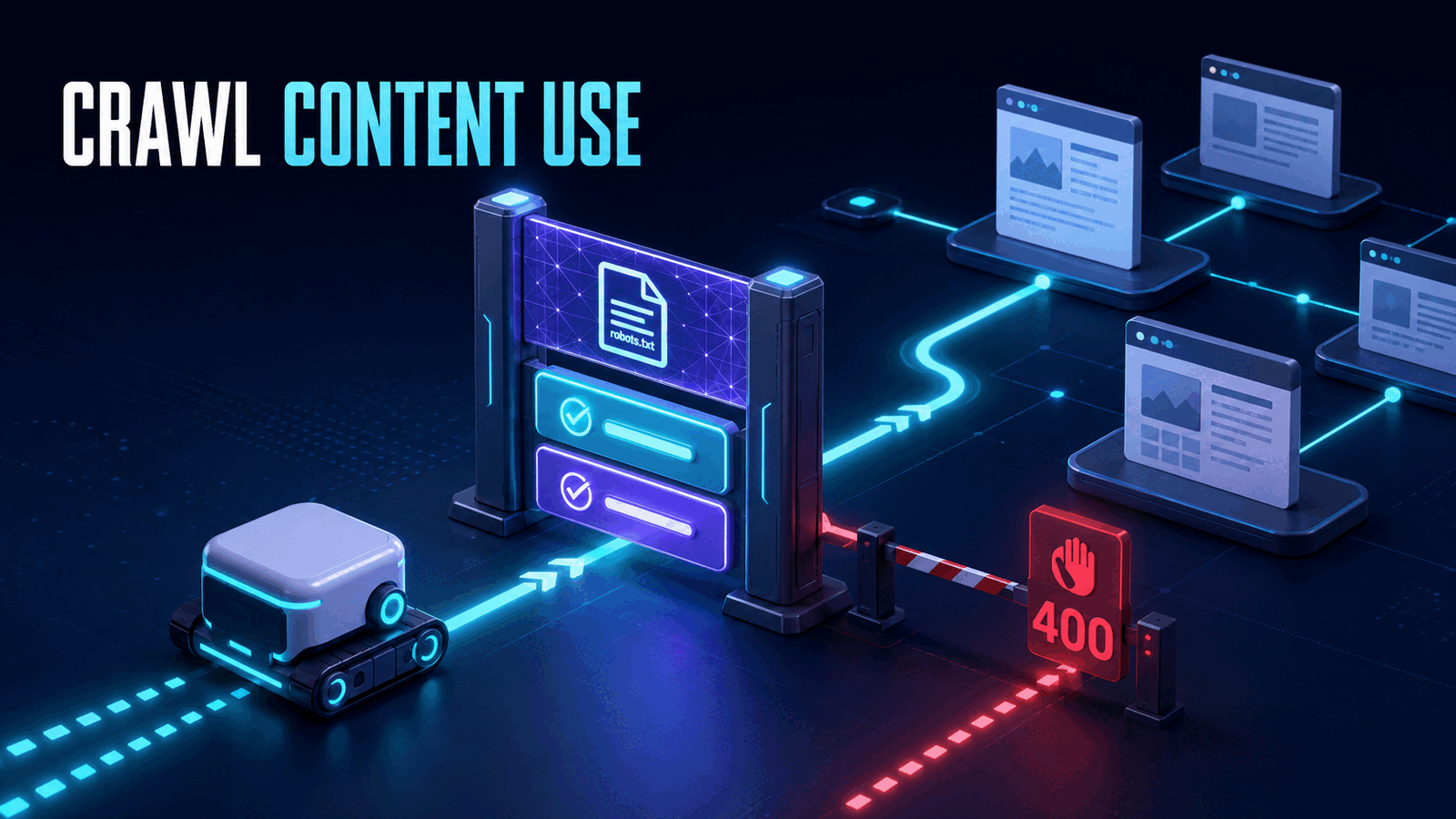
Cloudflare added contentUse to the Browser Run /crawl endpoint on August 31, 2026. Set it to reference when crawled pages will be retained, indexed, or cited, and use full only when the downstream workflow needs unrestricted use such as model training. If the declared level exceeds the target site's robots.txt Content Signal, Cloudflare rejects the crawl at initiation with 400 Bad Request.
This change turns publisher intent into an API constraint. It can also break an existing crawler that relied on defaults, because the default is full. Our position is that production crawlers should declare both contentUse and crawlPurposes explicitly, log policy rejections separately, and never silently downgrade intent just to make a request pass.
What Cloudflare crawl contentUse changes
Browser Run /crawl starts an asynchronous crawl from one URL, discovers pages through sitemaps and links, and returns HTML, Markdown, or structured JSON. The endpoint already respects normal robots.txt rules. It now also reads Content Signals that describe how a publisher says automated systems may use retrieved content.
The new parameter is simple:
{
  "url": "https://example.com",
  "contentUse": "reference",
  "formats": ["markdown"]
}
Cloudflare accepts two values from a crawler:
reference: content may be retained, indexed, or cited.full: unrestricted use, including AI training.
Publishers can declare a third level, immediate, for ephemeral single-response use where content is not retained. /crawl does not accept immediate as a request value because crawl jobs store results. If a publisher sets use=immediate, every /crawl job is rejected, regardless of whether the caller requests reference or full.
The comparison is ordered. A target with use=full, or no use signal, permits either request value. A target with use=reference permits reference but rejects full. A target with use=immediate rejects both supported crawl values.
That last detail matters for retrieval systems. A RAG pipeline often retains chunks, embeddings, URLs, or citations. Calling that use immediate would be inaccurate even if the final answer is generated in real time.
Configure contentUse with curl
Create a Cloudflare API token with Browser Rendering - Edit permission, then start a crawl job:
curl -X POST \
  "https://api.cloudflare.com/client/v4/accounts/$ACCOUNT_ID/browser-rendering/crawl" \
  -H "Authorization: Bearer $CLOUDFLARE_API_TOKEN" \
  -H "Content-Type: application/json" \
  -d '{
    "url": "https://example.com/docs",
    "contentUse": "reference",
    "crawlPurposes": ["search", "ai-input"],
    "formats": ["markdown"],
    "limit": 50,
    "depth": 2,
    "render": false
  }'
A successful initiation response contains a crawl job ID:
{
  "success": true,
  "result": "c7f8s2d9-a8e7-4b6e-8e4d-3d4a1b2c3f4e"
}
Poll that job separately. Cloudflare recommends adding ?limit=1 while checking status so the response does not repeatedly include the result set:
curl \
  "https://api.cloudflare.com/client/v4/accounts/$ACCOUNT_ID/browser-rendering/crawl/$JOB_ID?limit=1" \
  -H "Authorization: Bearer $CLOUDFLARE_API_TOKEN"
When the status becomes completed, fetch the full results without limit=1. Crawl jobs can run for at most seven days, and results remain available for 14 days after completion. Copy needed records into your own controlled store before Cloudflare deletes the job data.
We used render: false in the example because documentation pages usually expose useful content in initial HTML. The default render: true launches a headless browser and consumes Browser Run time. Use JavaScript rendering only for pages that need it.
If your team is building a policy-aware retrieval pipeline, Axentia's AI agent development service can help connect crawling, chunking, citations, and retention rules without hiding publisher intent inside a generic ingestion worker.
contentUse and crawlPurposes solve different problems
Do not treat contentUse as a replacement for crawlPurposes. Cloudflare enforces both.
contentUse declares a maximum usage level: reference or full. crawlPurposes declares specific purposes from this list:
search: building an index and returning links or excerpts.ai-input: using content at query time for RAG or grounding.ai-train: training or fine-tuning a model.
If omitted, crawlPurposes defaults to all three. That default can also produce a 400 against a site that allows search but sets ai-train=no. A search-only crawler should therefore say what it actually does:
{
  "url": "https://example.com",
  "contentUse": "reference",
  "crawlPurposes": ["search"],
  "formats": ["markdown"]
}
A RAG ingestion job that stores content and later injects retrieved passages should normally declare reference plus ai-input. If the same corpus will train or fine-tune a model, ai-train and full are the honest declarations.
The safest design is to derive these fields from a versioned data-use policy, not from a developer's ad hoc choice inside a request handler. Store the policy version with each crawl job and each resulting document. When usage changes later, such as moving indexed pages into a fine-tuning dataset, evaluate the new use against the original publisher signal rather than assuming the earlier crawl grants it.
Our Agentic RAG implementation guide covers the orchestration side. contentUse adds a missing ingestion concern: whether the content entering that system is being used at the level the crawler declared.
Handle the Content Signals 400 error correctly
A policy rejection happens before Cloudflare creates the asynchronous job. The response is 400 Bad Request with this message:
Crawl disallowed by Content-Signal directive (purpose or use level)That is different from a page-level failure discovered during an active crawl. Origin responses such as 403 or 500 appear later as errored records. Do not send all of these cases through one generic retry queue.
A TypeScript wrapper can make the distinction explicit:
type CrawlPolicy = {
  contentUse: 'reference' | 'full';
  crawlPurposes: Array<'search' | 'ai-input' | 'ai-train'>;
};

async function startCrawl(url: string, policy: CrawlPolicy) {
  const response = await fetch(
    `https://api.cloudflare.com/client/v4/accounts/${process.env.CLOUDFLARE_ACCOUNT_ID}/browser-rendering/crawl`,
    {
      method: 'POST',
      headers: {
        Authorization: `Bearer ${process.env.CLOUDFLARE_API_TOKEN}`,
        'Content-Type': 'application/json',
      },
      body: JSON.stringify({
        url,
        ...policy,
        formats: ['markdown'],
        limit: 50,
        render: false,
      }),
    },
  );

  const body = await response.json();

  if (response.status === 400 &&
      JSON.stringify(body).includes('Content-Signal')) {
    return { status: 'policy_rejected' as const, url, policy, body };
  }

  if (!response.ok) {
    throw new Error(`Crawl initiation failed: ${response.status}`);
  }

  return { status: 'started' as const, jobId: body.result };
}
Send policy_rejected to a review or exclusion table. Do not retry with reference after a rejected full request unless the downstream use is genuinely being changed. An automatic downgrade would make the declared value false, which defeats the purpose of the parameter.
For troubleshooting, fetch https://target.example/robots.txt and inspect Content-Signal: entries. Narrow crawlPurposes only to purposes the product does not perform. Lower contentUse only when retention and downstream processing fit the lower level. If the publisher declares use=immediate, /crawl is the wrong endpoint because it stores results.
The honest limitation: this is declared intent
Cloudflare describes Content Signals as trust-based. contentUse tells the site owner what the operator intends, and Browser Run enforces compatibility inside this specific crawler. It is not a universal license parser, proof of copyright permission, or control over crawlers that ignore the signal.
The two request values are also broad. reference covers retaining, indexing, and citing content, but those actions can have very different storage periods and product effects. A production data inventory still needs source URL, retrieval time, declared purposes, retention period, deletion behavior, and downstream datasets.
Cloudflare's crawler cannot bypass CAPTCHAs, Turnstile, WAF rules, or bot protection. A policy-compatible request may still be blocked by ordinary access controls. The /crawl user agent is fixed as CloudflareBrowserRenderingCrawler/1.0, so pretending to be a browser is not an available workaround.
When contentUse is worth implementing
Implement it now if you use Cloudflare /crawl for documentation search, RAG ingestion, monitoring, or dataset collection. Explicit values prevent a future default from becoming an undocumented policy decision, and they make 400 failures diagnosable.
It is not worth adding Cloudflare Browser Run solely for this parameter if a small crawler already fetches a few owned pages reliably. You can read Content Signals directly and enforce the same policy in your own ingestion boundary. The hosted endpoint is valuable when you also need its link discovery, rendering, asynchronous job model, and result formats.
We would not ship an auto-retry that weakens the declared use. A crawler should either operate within the publisher's signal, change the actual downstream workflow, or exclude the source.
FAQ
What values does Cloudflare crawl contentUse accept?
Cloudflare /crawl accepts reference and full. reference covers retained, indexed, or cited content. full allows unrestricted use, including training. Publishers may declare immediate, but callers cannot request it because crawl jobs store results. A site using immediate therefore rejects every /crawl request.
Why does Cloudflare crawl return a Content-Signal 400 error?
The request declares a purpose or use level that exceeds the target site's robots.txt signal. Inspect its Content-Signal: entries, then remove purposes your product does not perform or choose reference when the workflow truly fits it. Do not downgrade automatically while keeping a more permissive downstream use.
Is contentUse enough for a RAG crawler?
No. A RAG crawler should usually set contentUse: "reference" and include ai-input in crawlPurposes. It also needs retention, deletion, provenance, and downstream-use controls outside Cloudflare. If crawled content will train a model, declare ai-train and full instead of reusing a reference-only ingestion job.
Make crawler intent observable
Treat contentUse like any other production contract. Validate it, attach it to job metadata, count rejections by domain and policy version, and keep policy failures out of transient retry queues.
If you need help building a crawler or RAG pipeline around those boundaries, book a call with Axentia. We can implement the ingestion system while keeping use declarations visible in code and operations.