
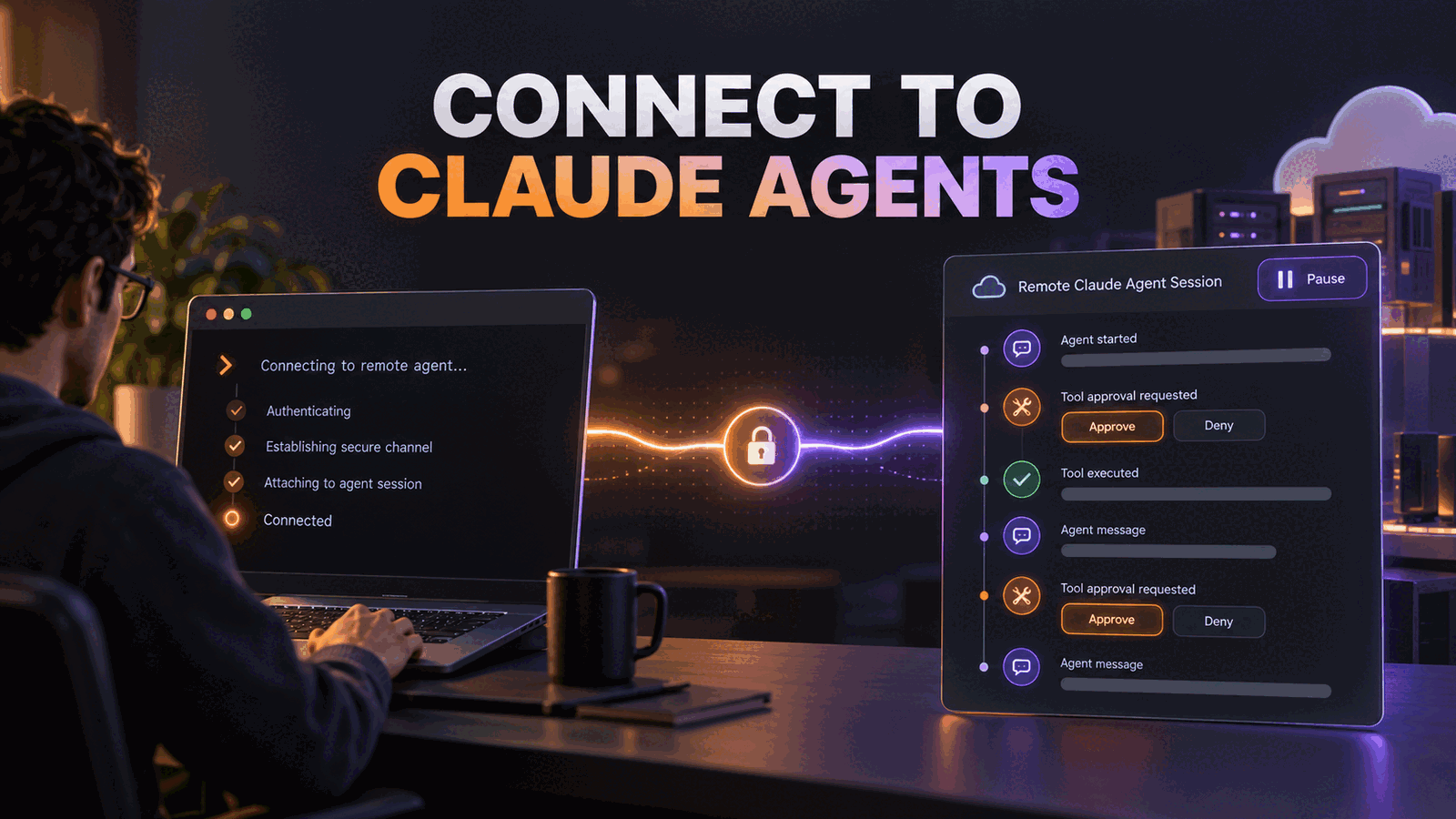
ant beta:sessions connect arrived in ant CLI 1.32.0 to attach an interactive terminal to an existing Claude Managed Agents session. It loads the transcript, follows new events, lets an operator send messages or interrupt work, and handles tool approvals without terminating the remote session. Use it for supervised debugging and intervention. Do not build automation around its interactive interface, because Anthropic explicitly directs scripts to the event stream and send-event commands instead.
What ant beta:sessions connect changes
The original ant CLI made Claude Platform resources scriptable. You could create agents, environments, and sessions, then read their events through individual API-shaped commands. Our earlier ant CLI overview explains that foundation.
The missing piece was a useful live control surface. Listing events after a failure is not the same as watching a long-running agent reach a tool approval, inspecting the request, and deciding whether it should continue.
Anthropic's CLI 1.32.0 release note says the new command attaches a terminal to a Managed Agents session. The dedicated connect documentation confirms five operator actions:
- follow the session transcript live
- send a new user message
- interrupt the current agent turn
- allow or deny a pending tool call
- open the browser session viewer with
--web
This is not SSH into the agent sandbox. It is a session event interface. The agent still runs on Claude Managed Agents infrastructure, and detaching does not terminate it.
The command connects three control planes
A Managed Agents session combines an agent definition, an environment, and an event history. The connect command adds a temporary operator interface over that history.
Local operator
Terminal or browser viewer
sessions connect
Reads and sends session events
Managed session
Agent, environment, transcript
Tool approval
Allow, deny, or explain
Remote execution
Continues after detach
That separation matters in production. Closing a laptop should remove the viewer, not kill a deployment task that has already been delegated.
Connect to the right session deliberately
Update the CLI, list sessions, then pass one session ID:
ant --version
ant beta:sessions list
ant beta:sessions connect sesn_011CZkZAtmR3yMPDzynEDxu7
Anthropic requires ant CLI 1.32.0 or later. We validated the shell syntax of the examples with bash -n. The sample ID follows Anthropic's documented format, but it is intentionally non-working. Replace it with an ID from the create response, the list command, or Claude Console.
The command needs an interactive terminal unless --web is used. Once attached, Enter sends a user.message event. Escape interrupts the active turn. Ctrl+O exposes tool inputs, results, token usage, and status events. Ctrl+C detaches without stopping the remote session.
The catch is identity, not syntax. A workspace can have many similar sessions. Before approving a tool call, verify the session ID, agent version, environment, repository, and task. A polished live transcript does not prove that the operator opened the intended run.
We recommend putting the session ID into the incident or deployment record that triggered the review. Do not pass it around as an unlabeled terminal snippet.
Use --web when multiple threads matter
The browser view is started with:
ant beta:sessions connect sesn_011CZkZAtmR3yMPDzynEDxu7 --webAnthropic says this serves the Console session viewer from 127.0.0.1 and opens it in the browser. Add --no-browser when you want the URL without automatically launching a tab.
The terminal follows the primary thread in a multiagent session. The web viewer follows every thread. That makes --web the better diagnostic surface when a coordinator delegates to several agents and the failure may sit in a subagent exchange.
According to Anthropic's session event documentation, the Console viewer also exposes raw events, tool call counts and failures, mounted resources, thread cost, and context usage. Those are vendor-reported capabilities of the current beta viewer, not a guarantee that every operational metric is exportable or retained indefinitely.
If your team is designing approval and intervention paths for remote agents, our AI agent development service is relevant at this boundary. The engineering problem is defining who may intervene, what evidence they see, and how the session resumes, not merely installing another CLI.
Tool approval is a policy outcome, not a prompt
When a tool call waits for confirmation, the CLI offers Yes, No, or No with a reason. The choice becomes a user.tool_confirmation event. Anthropic says this can happen under an always_ask permission policy or when the newer auto policy reaches no determination.
Treat that screen as an authorization decision. Inspect the actual tool input with Ctrl+O, not only the agent's explanation of what it plans to do.
| Situation | Operator action | Reason |
|---|---|---|
| Read-only query matches the task | Allow | The requested effect is within the delegated scope |
| Path, host, or account is unexpected | Deny with reason | Give the agent a constraint it can act on |
| Session identity is unclear | Detach and verify | Approval should not repair missing provenance |
| Repeated approval for one safe pattern | Fix policy later | Manual clicks are not a durable permission model |
Our position is that sessions connect is an escalation interface. It should not become the normal way every tool call gets through. If operators approve the same request all day, the permission policy is underspecified. If they approve without reading inputs, the interface has become ceremony.
Do not automate the interactive view
Anthropic explicitly says scripts should use ant beta:sessions:events stream and ant beta:sessions:events send. The interactive command expects a terminal, keyboard shortcuts, and a human decision loop.
A minimal scripted split looks like this:
SESSION_ID="sesn_011CZkZAtmR3yMPDzynEDxu7"

ant beta:sessions:events stream --session-id "$SESSION_ID"
In another process, send a structured event through the documented send command rather than attempting to pipe keystrokes into connect. Keep session observation and event production separate so retries do not duplicate input.
We would also avoid running --web on a shared remote host. The viewer binds to loopback by default, which is sensible for local use. Tunneling or exposing that port creates another access path to a live agent control surface. Use the hosted Console with normal workspace access when local browser serving does not fit the operator environment.
The second-order cost is interrupted autonomy
Live intervention feels safe because a person can always step in. It can also make an agent system dependent on someone watching it.
Measure how often sessions stop for approval, how long they wait, which tools cause the pauses, and whether denials lead to useful recovery. Anthropic's viewer surfaces tool duration and outcome, token usage, and status events, which can help the investigation. The platform does not decide what waiting time is acceptable for your product.
For deployment agents, a ten-minute approval delay may be fine. For a customer-facing workflow, it may violate the response-time promise. In that case, narrow the tools, pre-authorize bounded operations, or route the uncertain action to an application queue with an explicit service level.
When ant beta:sessions connect is not worth using
Do not use it for a short session that finishes before an operator can attach. The Console history or event list is enough.
Do not use it as a production dashboard for hundreds of sessions. Build a status projection from session events and alert only when intervention is required.
It is also unnecessary for deterministic jobs that should fail closed. If a billing or data migration step needs manual approval, model that approval in the application workflow. A terminal attachment is a poor substitute for a durable business state.
The honest limitation is beta dependency. Managed Agents and their event interfaces can change, and the interactive viewer is harder to regression-test than an API consumer. Keep automation on documented event endpoints and reserve connect for humans.
What to test next
Create a disposable session with a tool that requires approval. Attach from the terminal, reveal details, deny once with a useful reason, then allow a corrected request. Detach with Ctrl+C, reconnect, and confirm that the full history loads while the session remains alive.
Repeat the test with --web for a multiagent session. Verify which threads the terminal omits and which the browser exposes. Finally, record the operator role required to view and control the session so the runbook does not assume every developer has the same access.
ant beta:sessions connect FAQ
Does Ctrl+C stop a Claude Managed Agents session?
No. In ant beta:sessions connect, Ctrl+C detaches the local terminal while the remote session keeps running. Reconnecting loads the session history and resumes following new events. Use Escape when you intend to interrupt the active agent turn rather than merely closing your local view.
What does ant beta:sessions connect --web do?
The --web flag serves Claude Console's session viewer on local loopback and opens it in your browser. It supports messages, interrupts, and tool confirmations. Unlike the terminal view, Anthropic says the browser can follow every thread in a multiagent session, which makes it better for delegation debugging.
Can ant beta:sessions connect run in CI?
It is the wrong interface for CI because the default view requires an interactive terminal and human keyboard input. Anthropic directs scripts to ant beta:sessions:events stream for observation and ant beta:sessions:events send for input. Use those commands or the API with explicit retry and deduplication behavior.