
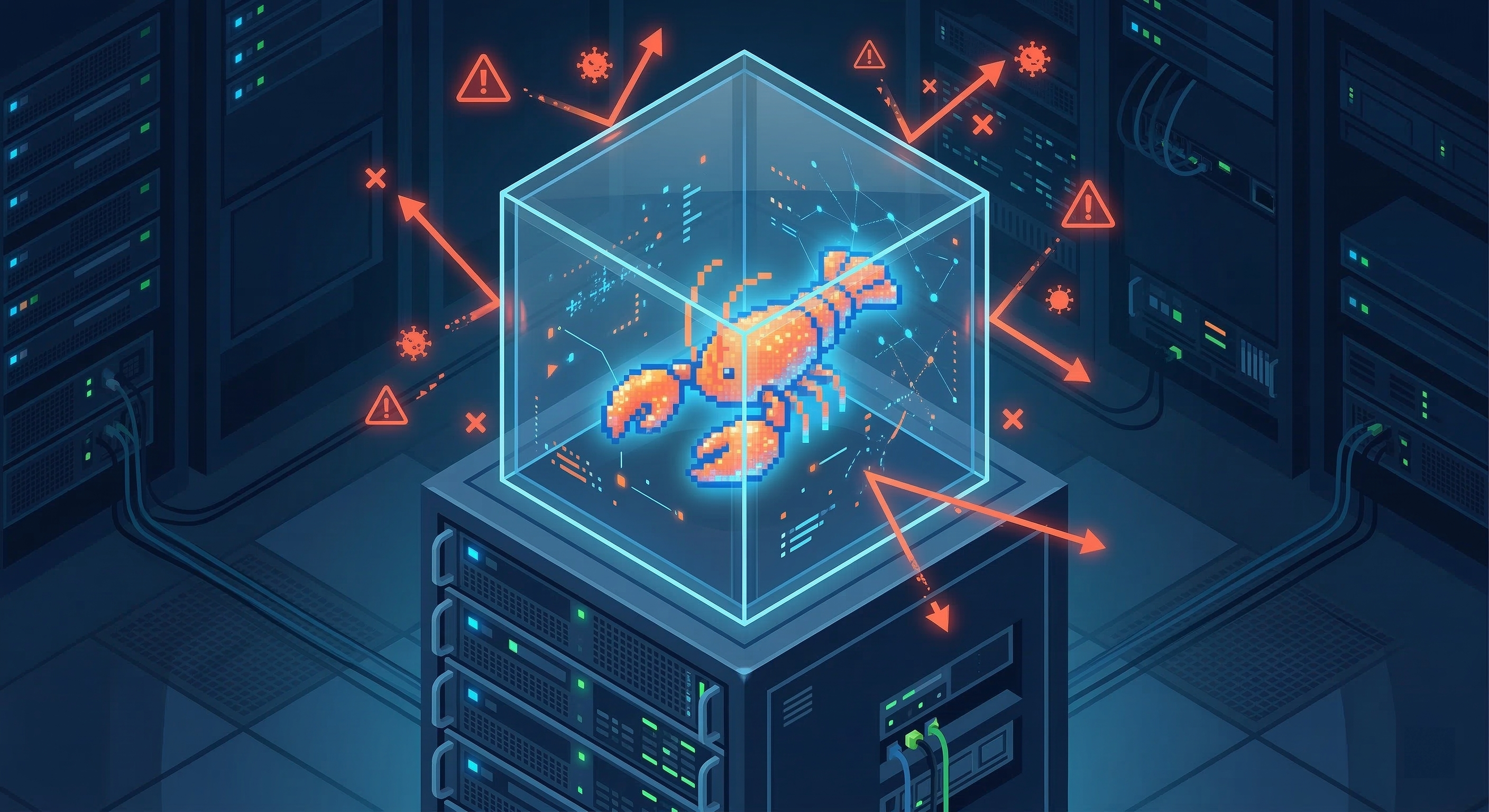
OpenClaw AI has become one of the fastest-growing open-source AI agent frameworks in 2026. With over 200,000 GitHub stars and a rapidly expanding community, it is clear that developers and businesses alike are eager to deploy autonomous AI agents that can manage files, execute commands, browse the web, and integrate with messaging platforms.
But here is the uncomfortable truth that most tutorials skip over.
Running OpenClaw without proper security hardening is reckless.
This is not a chatbot. This is an autonomous agent with system-level access. It can run shell commands, read and write files, call APIs, and interact with your infrastructure. A misconfigured OpenClaw instance is not just a bug. It is a potential backdoor.
We have spent time running OpenClaw in sandboxed cloud environments, locking down every surface area. If you are evaluating OpenClaw for production use, this post will walk you through exactly why sandboxing matters and how I approach it.
The Threat Landscape for OpenClaw Agents
CrowdStrike published a detailed analysis warning that misconfigured OpenClaw deployments can be commandeered as AI backdoor agents. Cisco's security research team called personal AI agents like OpenClaw a "security nightmare" when left unsecured.
These are not hypothetical risks. Here is what the attack surface looks like:
- Prompt injection: Adversaries craft inputs that manipulate the agent into executing unintended actions. This can come through direct messages, embedded instructions in emails, or content on webpages the agent browses.
- Credential exposure: OpenClaw stores configuration and interaction history locally. API keys, tokens, and secrets can leak through logs, memory, tool traces, or screenshots.
- Unrestricted command execution: By default, OpenClaw can execute shell commands with whatever permissions its process has. If it runs as root, the blast radius is your entire system.
- Malicious skills: Installing a ClawHub skill is effectively running third-party code on your host. Supply chain poisoning is a real vector here.
- Channel hijacking: If messaging platform integrations are misconfigured, unauthorized users can talk directly to your agent.
The OpenClaw documentation itself states plainly that there is no perfectly secure setup. The goal is to be deliberate about what the agent can touch.
Why run OpenClaw in a Sandboxed Environment
After evaluating the risk landscape, we made the decision to run all OpenClaw instances inside sandboxed cloud environments. No root access. No direct command execution on the host. Isolated containers with strict boundaries.
Here is why this approach matters.
Reduced Blast Radius
If the agent goes off the rails (and with frontier models, this is always a possibility), the damage is contained to a small, disposable sandbox. It cannot touch the host filesystem, cannot access system-level resources, and cannot pivot laterally to other services.
No Root Access
The OpenClaw agent process runs as a non-root user. This is basic security hygiene, but it is surprising how many self-hosted setups skip this step. Non-root execution limits the attack surface significantly if an inappropriate command slips through.
No Host Command Execution
This is the big one. In my sandboxed setup, the agent does not have the ability to execute arbitrary commands on the host machine. Tool execution happens inside Docker containers. The Gateway stays on the host, but everything the agent does is isolated.
Controlled Workspace Access
The sandbox controls what the agent can see. In the strictest mode, the agent only sees a sandbox workspace. It cannot read your SSH keys, your password manager vault, or your home directory.
Network Isolation
Sandbox containers run with no network access by default. If you need the agent to reach specific services, you configure explicit network rules rather than leaving everything open.
How OpenClaw Sandboxing Works
OpenClaw has built-in sandbox support controlled through configuration. Here are the key concepts.
Sandbox Modes
There are three modes you can set:
- off: No sandboxing. Tools run directly on the host. This is the default and the least secure option.
- non-main: Only non-main sessions get sandboxed. Your primary interactive chat stays on the host while automated or group sessions are isolated.
- all: Every session runs in a sandbox. This is the most restrictive and what I recommend for any production deployment.
Sandbox Scope
This controls how many containers are created:
- session: One container per session. Maximum isolation between conversations.
- agent: One container per agent. Useful for multi-agent setups.
- shared: One container for all sandboxed sessions. Lowest overhead but shared blast radius.
Workspace Access Levels
- none: The agent sees only its sandbox workspace. It cannot access the host filesystem at all. This is the default and the safest option.
- ro: The agent workspace is mounted read-only. The agent can read files but cannot write, edit, or apply patches.
- rw: The agent workspace is mounted read-write. Use this only when you explicitly need the agent to modify files in the workspace.
What Gets Sandboxed
Tool execution is sandboxed. This includes exec, read, write, edit, apply_patch, and process operations. The browser can also be sandboxed with a dedicated Docker network.
What does NOT get sandboxed:
- The Gateway process itself (it always runs on the host)
- Any tool explicitly marked as elevated (this is an escape hatch that bypasses sandboxing and runs on the host)
Cloud-Based Isolation
Each OpenClaw instance runs on a dedicated cloud server. The instance is not on your personal machine. It is not on a shared host. It is a purpose-built environment specifically for running OpenClaw securely.
Security Hardening Out of the Box
Every deployment includes:
- Authenticated communication: A gateway token is generated so only authorized users can interact with the instance.
- Hardened firewall rules: Default rules rate-limit OpenClaw ports and prevent denial-of-service attacks.
- Non-root user execution: The OpenClaw process runs as a restricted user.
- Docker container isolation: All agent tool execution happens inside containers. The host remains untouched.
- Private DM pairing: Direct message pairing is configured by default, preventing unauthorized individuals from talking to your agent.
- Network-level restrictions: Sandbox containers have no network access unless explicitly configured.
Minimal Configuration Example
Here is the sandbox configuration that forms the baseline of every deployment:
{
  "agents": {
    "defaults": {
      "sandbox": {
        "mode": "all",
        "scope": "session",
        "workspaceAccess": "none"
      }
    }
  }
}
This ensures every session is sandboxed, each session gets its own container, and the agent has no access to the host workspace.
Security Audit on Every Deployment
OpenClaw includes a built-in security audit command. I run this on every deployment:
openclaw security audit --deepThis flags common misconfigurations like exposed gateway auth, browser control exposure, overly permissive elevated allowlists, and insecure filesystem permissions.
Tool Policy and Escape Hatches
Sandboxing alone is not enough. Tool policy adds another layer of control.
Tool allow/deny policies are evaluated before sandbox rules. If a tool is denied globally or per-agent, sandboxing does not bring it back.
The tools.elevated setting is an explicit escape hatch. Elevated exec runs on the host and bypasses sandboxing entirely. In my deployments, elevated mode is disabled unless there is a documented, justified need for it.
For debugging, OpenClaw provides a useful command:
openclaw sandbox explainThis inspects the effective sandbox mode, tool policy, and configuration keys. It answers the question: "Why is this tool blocked?" or "Why did this action get through?"
Multi-Agent Considerations
If you are running multiple OpenClaw agents (which is increasingly common), each agent can have its own sandbox and tool policy overrides.
This means you can have:
- A research agent with read-only access to project files
- A coding agent with write access to a specific repository directory
- A communication agent with no filesystem access at all
Each agent operates within its own security boundary. A compromised or misbehaving agent in one sandbox cannot affect agents in other sandboxes.
Skills and Supply Chain Security
OpenClaw comes with over 50 skills in the skill registry. You can browse and install skills via the dashboard or the CLI:
openclaw skills
npx clawhub install <skill_name>
But here is the critical point. Installing a skill is running third-party code on your system.
In a sandboxed environment, that code runs inside the container, not on the host. This dramatically reduces the risk of a malicious or poorly written skill causing damage.
For any skill that requires elevated permissions or network access, I review the skill source code before installation. The SlowMist security team has published a security practice guide on GitHub that includes protocols for auditing skills before installation.
Prompt Injection Defense
No sandboxing strategy is complete without addressing prompt injection.
Even with strong system prompts, prompt injection is not a solved problem. System prompt guardrails are soft guidance only. Hard enforcement comes from:
- Tool policy (deny dangerous tools by default)
- Exec approvals (require confirmation for sensitive operations)
- Sandboxing (contain the blast radius)
- Channel allowlists (restrict who can message the agent)
Best practices we follow for every deployment:
- Keep inbound DMs locked down with pairing and allowlists
- Prefer mention gating in group channels rather than always-on bots
- Treat links, attachments, and pasted instructions as hostile by default
- Run sensitive tool execution in a sandbox
- Keep secrets out of the agent's reachable filesystem
- Use the latest generation, top-tier model for any agent that can run tools or touch files (weaker models have higher prompt injection risk)
Why Not Just Run It Locally?
You can run OpenClaw on your laptop. The OpenClaw install docs support Windows, macOS, and Linux.
But consider what that means.
Your agent has access to your entire home directory. Your SSH keys. Your browser cookies. Your password manager data. Your email credentials. Every file on your machine.
If the agent is manipulated through a prompt injection attack, all of that is exposed.
Running on a dedicated, sandboxed cloud server means the agent only has access to what you explicitly give it. Nothing more.
Getting Started
If you want a secure, sandboxed OpenClaw instance set up and managed for you, reach out. We handle:
- Full instance provisioning on a dedicated cloud server
- Sandbox configuration tuned to your use case
- Firewall hardening and network isolation
- Gateway token management and DM pairing
- Ongoing security audits and updates
- Skill installation review and approval
- Multi-agent setup with per-agent security boundaries
You get a production-ready OpenClaw deployment without having to become a security engineer first.