
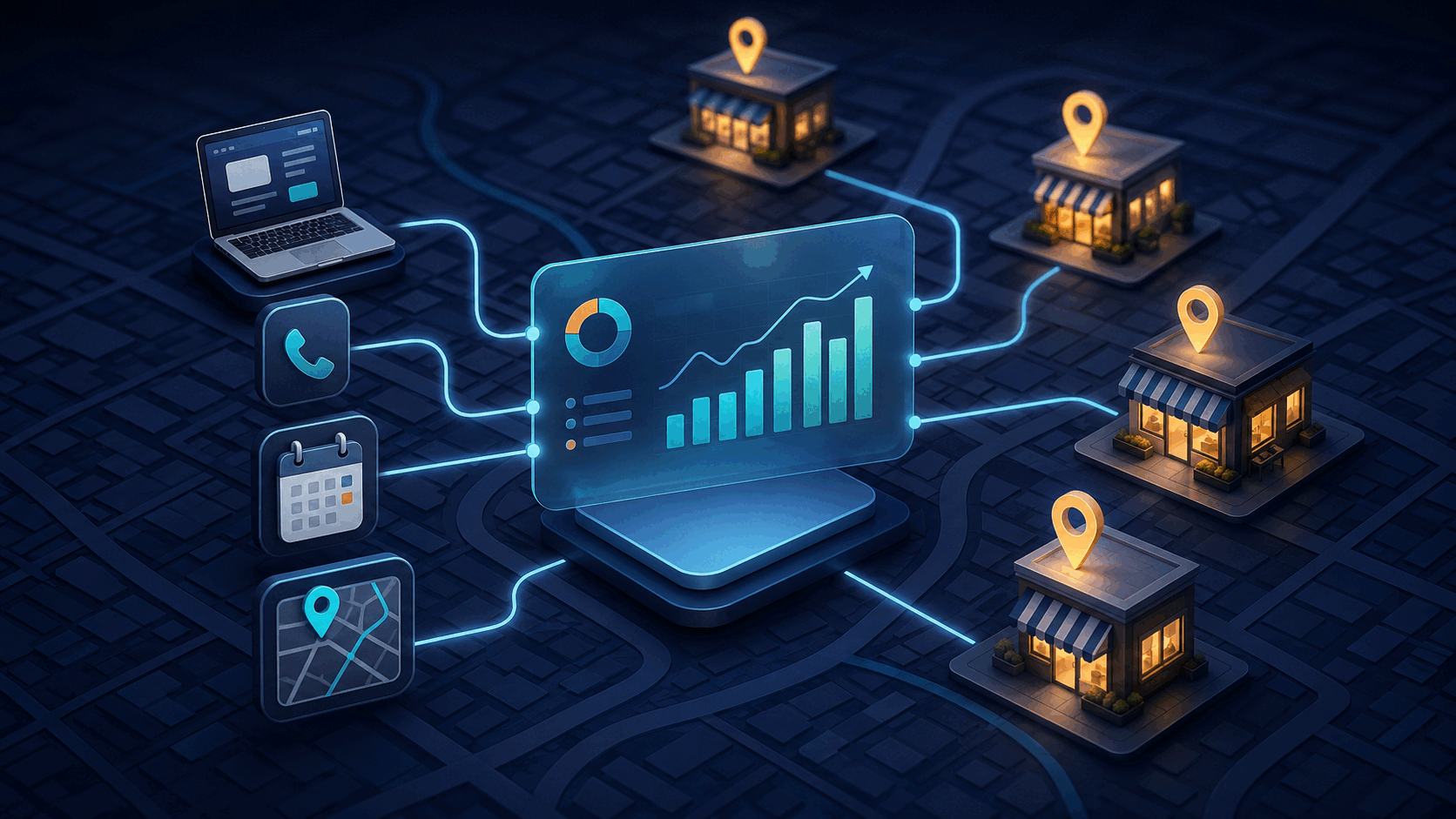
Google Analytics can now place seven Google Business Profile metrics beside website and app data: interactions, website clicks, calls, directions, messages, bookings, and menu activity. For a local business spending ₹100,000 a month across search ads, SEO, and content, that is far more useful than another traffic graph. It gets closer to the question owners actually ask: did this marketing create calls, visits, or appointments?
Google added the Business Profile reporting collection to GA4 on July 28, 2026. We think the update matters, but the obvious take is wrong. Connecting the accounts does not suddenly give you perfect marketing attribution.
It gives you a better measurement layer. You still have to build the commercial logic around it.
What the GA4 and Business Profile Link Changes
Previously, a local business often checked website sessions in GA4 and profile activity in a separate Google Business Profile dashboard. That split made basic decisions harder than they should be.
A clinic might see paid search traffic rise while phone calls fall. A restaurant could get more direction requests without knowing whether its website campaigns contributed. A multi-location service business might have profile engagement spread across several accounts and spreadsheets.
Google's new connection brings the profile metrics into a dedicated GA4 report. One GA4 property can link to multiple Business Profiles, and no website tag change is required for the connection itself.
The immediate business benefit is simpler reporting. A founder can review website leads and local actions in one place instead of asking a marketer to combine exports every Monday.
The Report Still Does Not Show Revenue
This is the limitation worth saying plainly.
GA4 receives aggregated Business Profile metrics. If five locations are linked, the standard report shows their combined total. You cannot filter that data by individual profile, use it inside custom explorations, or apply normal GA4 comparisons. Google also limits the available history to six months.
Most importantly, a direction request is not a store visit. A call is not a sale. A booking can be cancelled.
Businesses should resist turning these actions into invented revenue. Assigning every phone call the average order value will produce an impressive dashboard and a bad budget decision.
The better approach is to connect each high-intent action to the next verifiable step:
- Route profile calls through a tracked business number or CRM.
- Match bookings with completed appointments.
- Record the source on qualified leads, not only submitted forms.
- Compare direction requests with actual store traffic where that data exists.
- Track revenue after the lead enters the sales or booking system.
That final connection usually needs custom work because the useful data lives across GA4, a CRM, a booking tool, call records, and the finance system.
A Practical Local Marketing ROI Model
Start with one action that is close to revenue.
Consider a dental clinic that receives 120 calls from its Business Profile in a month. Its team answers 90, identifies 45 qualified enquiries, books 30 appointments, and completes 24 treatments. If the average first treatment contributes ₹4,000 in gross profit, those completed calls produced roughly ₹96,000 in gross profit.
The important number is not 120 calls. It is 24 completed treatments.
Now the clinic can compare that outcome with its local marketing cost. It can also find the real leak. If half the calls go unanswered, buying more traffic is probably the wrong first move. Fixing call handling may create a faster return.
This is where a useful reporting system differs from a dashboard. It shows the chain from attention to business outcome and makes missing data obvious.
When a Custom Reporting Layer Is Worth It
For a single-location business with modest ad spend, the native GA4 report may be enough. Link the accounts, review the seven metrics monthly, and keep the process simple.
Custom implementation starts to make sense when:
- several locations need separate performance reporting;
- leads move between phone calls, forms, WhatsApp, and bookings;
- marketing data must connect to HubSpot, Salesforce, Zoho, or a custom CRM;
- managers need alerts when qualified leads or bookings drop;
- the business wants profit by channel, not just clicks and interactions.
We would not recommend building a data warehouse for a business generating 20 leads a month. The maintenance cost will outrun the insight.
But once teams are manually merging reports every week, or moving budget based on incomplete numbers, a focused analytics pipeline can pay for itself. The first version does not need to predict anything. It needs to collect the right events, reconcile identities carefully, and show which activity became revenue.
Google has made the first step easier. The competitive advantage still comes from what a business connects after GA4.
At Axentia, we build reporting systems and workflow integrations that connect marketing activity to CRM, booking, and revenue data. If your local performance still lives across five dashboards and a spreadsheet, book a call with us and we can map the smallest useful version.