
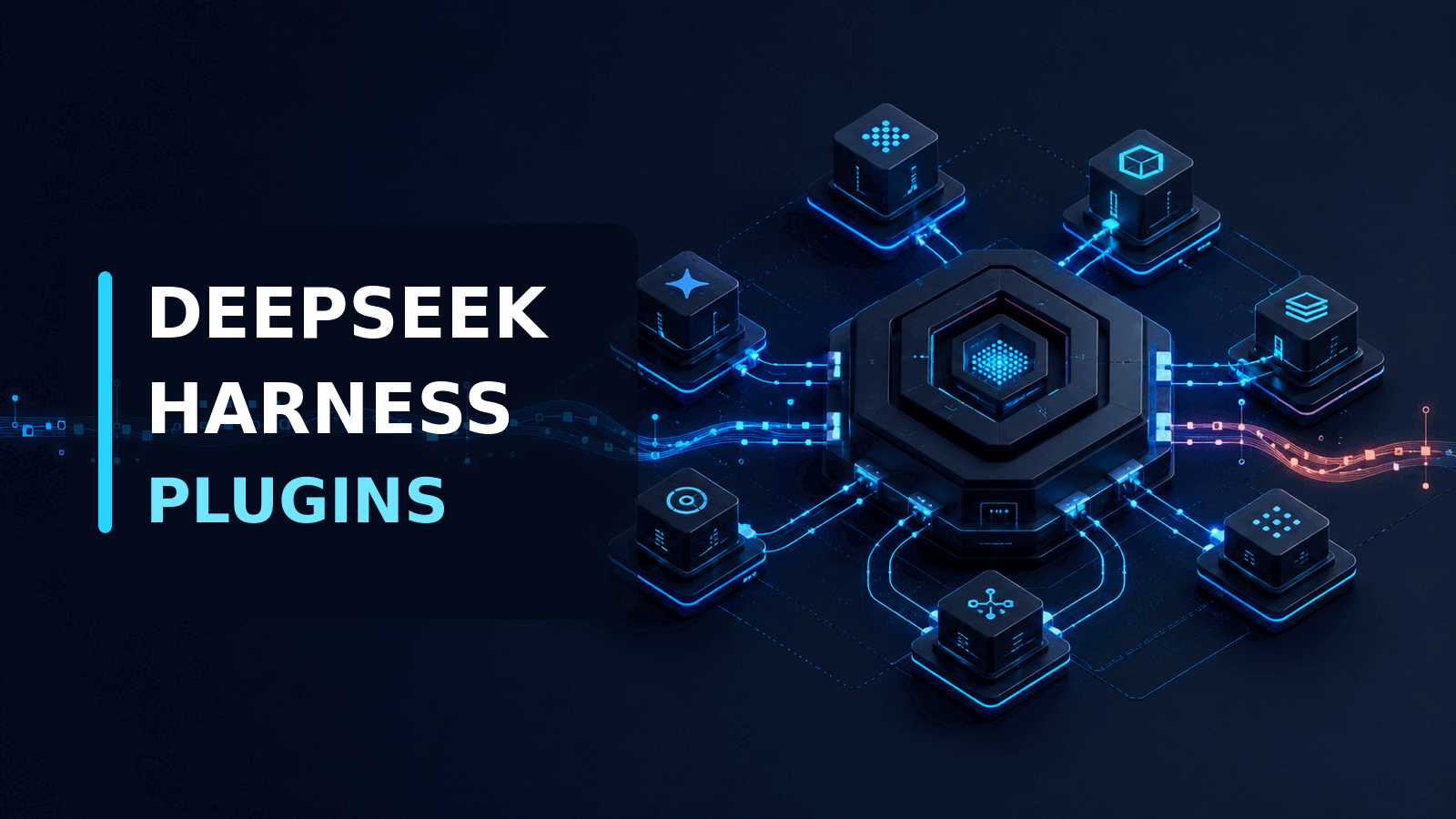
DeepSeek released DeepSeek Harness on August 13 with one command to start it: npx @deepseek-ai/dsh web. Four days later, the launch discussion had reached 733 points and 309 comments on Hacker News. That attention is not just another coding-agent spike. DeepSeek has published the software layer around the model, including the tool loop, session history, approval policy, and execution environment.
The project calls this idea "everything is a plugin." We think its append-only session log is the more important feature.
A configurable agent is useful. An agent whose actions can be reconstructed after a failure is much closer to something a product team can operate.
What is DeepSeek Harness?
DeepSeek Harness, also called dsh, is an open-source runtime for building and running AI agents. DeepSeek describes the relationship as "Agent = Model + Harness."
The model generates decisions. The harness supplies the surrounding system that lets those decisions affect real work. It assembles prompts, exposes tools, runs commands, stores sessions, applies permissions, and sends results back to the model.
This distinction matters because the same model can perform very differently inside two harnesses. Give it a weak file editor, incomplete error feedback, or a tool loop that loses state and the model may fail even when its underlying reasoning is adequate. A stronger harness does not make the model smarter. It gives the model a better operating environment.
DeepSeek Harness is built on Cordis, a plugin framework. The model adapter is a plugin. So are the tool registry, agent loop, session log, sandbox, storage layer, and interface. A small Cordis kernel mounts those pieces, resolves dependencies, and can unload them cleanly.
That design gives engineering teams a way to replace one capability without forking the whole agent runtime.
Run DeepSeek Harness locally
The shortest official setup requires Node.js. Run this command inside the project directory you want the agent to access:
npx @deepseek-ai/dsh webThe Web UI starts at http://127.0.0.1:3080 by default. In Settings, add a DeepSeek API key or configure another supported provider. Then select a workspace before starting a session.
There is an operational detail worth noticing. The process uses the directory where it was started as its default filesystem location. Starting it from a broad parent directory can expose more files than intended. We would launch it from a disposable checkout first, with narrowly scoped credentials and no production secrets in the environment.
To inspect the exact plugin tree loaded by the standard profile, use:
dsh --profile web --dump-configThe official source repository also supports a source install with Node.js 22.19 or newer, Corepack, and the pinned pnpm version:
git clone https://github.com/deepseek-ai/deepseek-harness.git
cd deepseek-harness
corepack enable
pnpm install
pnpm run build
pnpm dsh web
Use the npx path for evaluation. Build from source when you need to audit the runtime, develop a plugin, or pin an internal fork.
Why the plugin model is different
Many agent frameworks let developers register tools. DeepSeek Harness treats much more of the runtime as replaceable.
A profile is a named configuration assembled from bundles. The base bundle includes model adapters, tools, persistence, sandbox policy, credentials, and telemetry. Another bundle can add the browser application. A headless bundle can run a one-shot task without a server.
Configuration layers are applied in order. A team can replace a model provider, filesystem backend, subprocess runner, approval rule, or session persistence layer through a patch instead of editing the central loop.
That is useful for products that cannot accept the default execution boundary. A healthcare workflow might route file operations through a controlled document service. A financial product might replace local command execution with a remote sandbox and require approval before any write. The agent loop does not need separate forks for each deployment.
There is a cost. When every component is replaceable, the configuration becomes part of the product architecture. A plugin can alter what the model sees, what it can execute, and what is retained. Teams need version control and tests for the plugin tree, not just for application code.
The session log is the production feature to watch
DeepSeek Harness records durable session events in an append-only log. User messages, model output, tool calls, tool results, turn boundaries, and step boundaries are written as events. The model's future context is then derived from that history.
The architecture documentation states a strict rule: anything visible to the model must be reconstructable from the log.
This has practical value. When an agent edits the wrong file, a developer should be able to answer which prompt it saw, which tool schema was available, what the command returned, and how the next decision was produced. Resume, fork, replay, transcripts, and telemetry all derive from the same event stream.
Most agent demos optimize for a successful run. Production teams spend much more time investigating the failed runs. A trace that shows only the final answer is not enough.
An append-only log is not automatically safe, though. Tool output can contain customer data, source code, access tokens, or private paths. Before using the log outside a test project, define redaction rules, access controls, and retention. The audit trail becomes a liability if it quietly stores every secret the agent encountered.
The four runtime modes
The developer preview exposes four modes for different jobs.
Standard mode provides the full coding-agent environment. It can edit files, run shell commands, search the web, use skills, maintain a plan, and delegate work.
Code mode adds a Code Mode SDK. The model can combine several tool operations into one TypeScript program instead of requesting each call separately. This can reduce model round trips for workflows such as reading a group of files, filtering results, and producing one structured response. It also concentrates more authority in a generated program, so the sandbox and approval policy matter even more.
Minimal mode keeps a persistent shell and a string-replacement editor. It is designed for benchmarking with a smaller tool surface.
Creator mode is for inspecting the live runtime, experimenting with plugins, and assembling presets.
We would start a product evaluation in Standard mode. Code mode is interesting after a team has measured tool-call latency and defined limits for generated programs. Creator mode belongs in an engineering environment, not in a customer-facing deployment.
What to test before production
DeepSeek labels the release a developer preview and warns that compatibility-breaking changes will happen. That is the first production constraint, not a footnote.
Pin the package and plugin versions. Save the resolved configuration for each deployment. An unreviewed plugin update can change model context or command permissions without changing the business application that calls the agent.
Next, test the execution boundary. DeepSeek Harness supports sandbox and approval policies, but the presence of those interfaces does not prove that a particular configuration is isolated. Try path traversal, symlink access, environment-variable leakage, unexpected network calls, and commands that continue after cancellation. Run those tests against the same profile used in deployment.
Treat plugins as application code. Allowlist their sources, review requested capabilities, and scan dependencies. A marketplace-sized plugin ecosystem is convenient, but it also creates a supply-chain surface with direct access to agent tools and context.
Finally, replay failures. Confirm that a session can be reconstructed after a process restart and that sensitive values are removed before events reach long-term storage. If the replay omits the information needed to explain a decision, the trace is not yet an operational control.
When DeepSeek Harness is worth using
DeepSeek Harness is a strong evaluation candidate when a team wants to build its own agent product and needs control over model providers, tools, execution, and session history. It also makes sense for researchers comparing agent loops or for platform teams building reusable internal policies across several agent applications.
It is not the obvious choice for a team that only wants a stable coding assistant. The preview has no compatibility promise, the plugin surface requires security work, and operating a configurable runtime is more effort than installing a mature end-user tool.
It is also unnecessary for a narrow workflow with one model call and no tools. A small service using a provider SDK will be easier to test and maintain.
Our view is that DeepSeek Harness is more important as an architecture than as a finished product. It makes the agent runtime inspectable and replaceable. That is a better foundation than hiding critical behavior inside a closed loop, but it still needs hardening before it should touch production credentials or customer data.
Axentia builds AI agents and full-stack AI products where tool permissions, observability, and failure recovery are part of the application from the start. If you are evaluating DeepSeek Harness or designing a custom agent runtime around the same ideas, book a call with us and we can map the safest route from prototype to production.