
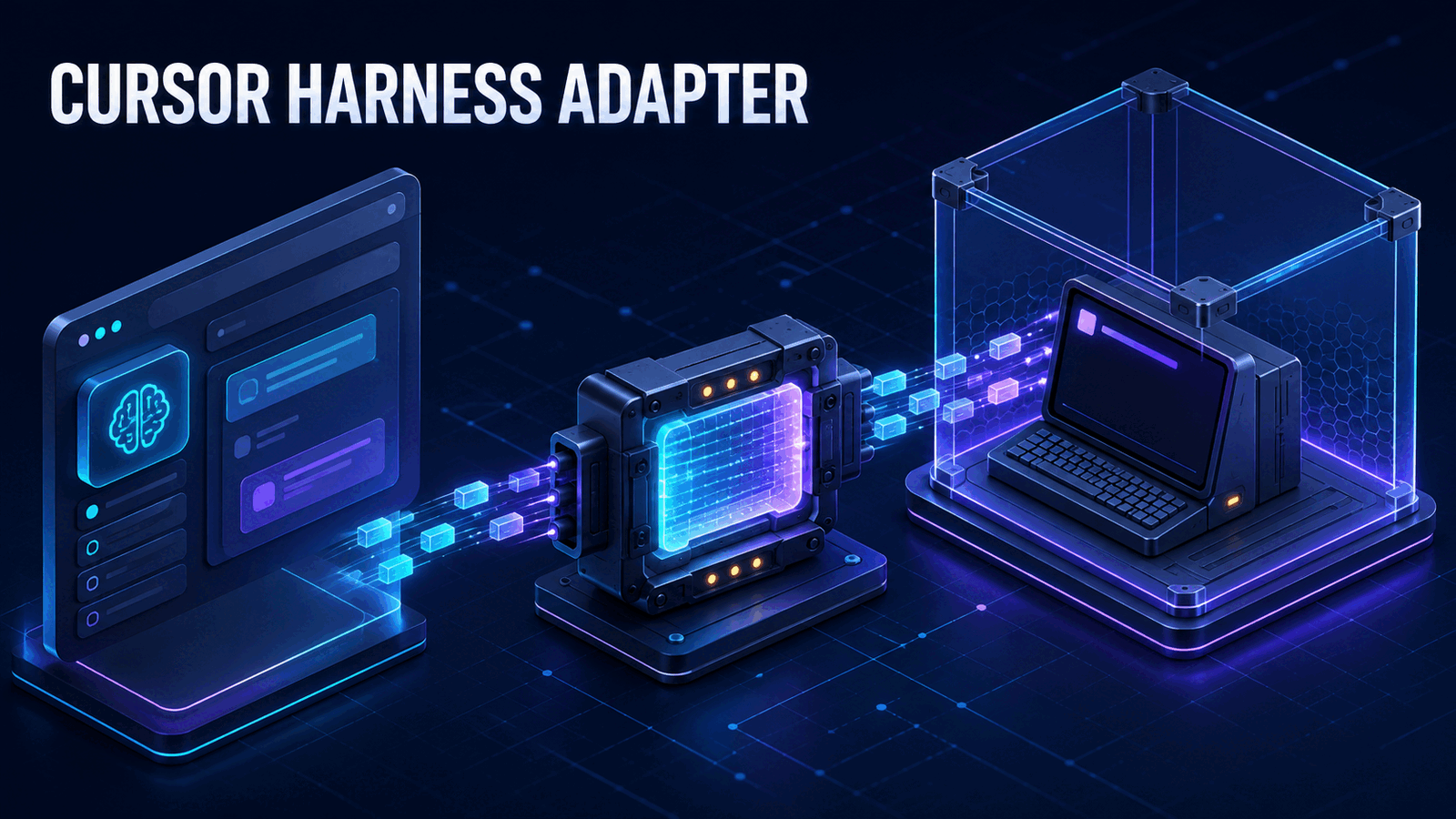
Vercel released @ai-sdk/harness-cursor on August 27, 2026, as an official adapter between AI SDK's HarnessAgent and Cursor CLI. The package runs Cursor in a network sandbox and carries sessions, tool calls, and streamed output over the Agent Client Protocol, or ACP. Install it when one application needs to orchestrate or evaluate Cursor through the same interface used for other coding harnesses.
Do not mistake the common API for a portable coding agent. Authentication, built-in tools, usage data, and session behavior still depend on Cursor and ACP. We think the adapter is useful infrastructure for multi-harness systems, but unnecessary complexity for a product that only needs one fixed Cursor workflow.
What @ai-sdk/harness-cursor actually changes
Before this adapter, an application that wanted to run Cursor CLI had to own its process launch, session protocol, event parsing, tool mapping, and cleanup. A second coding agent required a second integration. Vercel's AI SDK harness layer moves that lifecycle behind HarnessAgent, while @ai-sdk/harness-cursor supplies Cursor-specific behavior.
The runtime path is concrete:
Application
    |
HarnessAgent
    |
@ai-sdk/harness-cursor
    |
@ai-sdk/harness-acp bridge
    |
Cursor CLI inside a network sandbox
The adapter delegates ACP sessions, streaming, tools, and lifecycle management to @ai-sdk/harness-acp. On the first session it runs Cursor's official installer inside the sandbox, then launches agent --disable-auto-update acp. It maps common Cursor tools such as terminal, glob, and grep to shared bash, glob, and grep names. Other built-ins remain available under stable Cursor-oriented names, including read, edit, semanticSearch, webSearch, and task.
That normalization is the value. Application code can create a session and call generate() without implementing Cursor's ACP transport. It can also swap the harness object during an evaluation without rebuilding its entire orchestration layer.
Install and run the Cursor harness adapter
The official setup uses three packages:
npm install @ai-sdk/harness @ai-sdk/harness-cursor @ai-sdk/sandbox-vercelSet CURSOR_API_KEY in the host environment. For Vercel Sandbox, also provide VERCEL_OIDC_TOKEN. Keep both in the deployment's secret store, not in source or a client bundle.
export CURSOR_API_KEY="your-cursor-user-api-key"
export VERCEL_OIDC_TOKEN="your-vercel-oidc-token"
Then create the harness agent, sandbox, and session:
import { HarnessAgent } from '@ai-sdk/harness/agent';
import { cursor } from '@ai-sdk/harness-cursor';
import { createVercelSandbox } from '@ai-sdk/sandbox-vercel';

const agent = new HarnessAgent({
  harness: cursor,
  model: 'gpt-5.6-luna',
  sandbox: createVercelSandbox({
    runtime: 'node24',
    ports: [4000],
  }),
});

const session = await agent.createSession();

try {
  const result = await agent.generate({
    session,
    prompt: 'Inspect the project and explain its test failures.',
  });

  console.log(result.text);
} finally {
  await session.destroy();
}
The finally block is not decoration. The session owns remote resources, so every successful or failed run needs a cleanup path. In a queue worker, also destroy the session after timeouts, cancellations, and malformed jobs.
The sandbox must expose at least one TCP port and allow network egress. The port carries the authenticated ACP bridge, and the first run needs egress to download Cursor CLI. A locked-down runtime that prohibits both will not work with the default adapter.
Cursor authentication has two separate layers
The easiest setup mistake is assuming one key selects the entire model route. It does not.
CURSOR_API_KEY authenticates Cursor CLI to a Cursor account. The harness needs it in every authentication mode. Cursor's account configuration separately determines how Cursor authenticates to the underlying model provider. The adapter cannot read or change that route.
createCursor() accepts auto, direct, and ai-gateway declarations:
import { createCursor } from '@ai-sdk/harness-cursor';

const cursorHarness = createCursor({
  auth: 'ai-gateway',
  startupTimeoutMs: 180_000,
  port: 4001,
});
An explicit ai-gateway value only records the expected route and emits a reminder. To use Vercel AI Gateway, Cursor itself must have an AI Gateway key configured as its OpenAI API key, with the OpenAI base URL overridden to https://ai-gateway.vercel.sh/cursor/v1. Passing AI_GATEWAY_API_KEY to the harness does not configure Cursor's provider connection.
You can provide an isolated Cursor credential without reading or mutating process.env:
const cursorHarness = createCursor({
  auth: { CURSOR_API_KEY: await resolveCursorToken() },
});
For a multi-tenant service, resolve that token per job and prevent cross-tenant session reuse. The optional credentialForwarding callback can alter the value sent into the sandbox, but Vercel's documentation is explicit that the callback does not stop the adapter from discovering or reading credentials in the host process. It is a forwarding hook, not a security boundary.
If your team is designing a shared coding-agent runtime, Axentia's AI agent development service can help define the sandbox, credential, and evaluation boundaries before application code depends on one harness abstraction.
Configure models, MCP servers, and the bridge
Recent package versions place model selection on HarnessAgent, as shown in the basic example. The older model option on createCursor() remains deprecated. Keeping the model at the agent layer makes comparisons easier, but only when the selected identifier is supported by the underlying Cursor session.
createCursor() also accepts MCP server definitions keyed by server name, an ACP bridge port, a startup timeout, and a custom bridge-token function. The default bridge token is a random 32-byte secret. If you replace it, generate an unpredictable per-sandbox value and never derive it from a public sandbox identifier.
A production wrapper should make timeouts and session cleanup explicit:
const harness = createCursor({
  auth: 'auto',
  startupTimeoutMs: 180_000,
  mcpServers: {
    docs: {
      command: 'node',
      args: ['./tools/docs-server.mjs'],
    },
  },
});
Do not blindly copy MCP configuration from another coding agent. The adapter passes each definition to the underlying runtime's native configuration path. Tool names, environment requirements, and approval behavior can still differ.
This distinction echoes our earlier analysis of why MCP supply can outpace real MCP usage. A shared protocol reduces transport work. It does not repair an unstable tool contract or make an over-permissioned tool safe.
The production limits that matter
The packages are experimental, and Vercel warns that breaking changes may occur between releases. Pin exact versions in production and promote upgrades through a recorded evaluation set. A caret range is a poor choice when your orchestration code depends on event shapes and capability checks.
ACP v1 also leaves important gaps:
- It does not expose model-step boundaries or reliable per-step usage. The adapter infers boundaries and may report unknown usage.
- It has no portable manual compaction or mid-turn steering API.
- It cannot portably filter Cursor's built-in tools. Host-tool filtering works, but filtering a Cursor built-in returns an unsupported-capability error.
- Cursor ACP does not map structured-output metadata, so schema-backed structured output is unsupported.
These are operational constraints, not documentation footnotes. Without dependable per-step usage, cost attribution becomes approximate. Without built-in filtering, a policy layer cannot assume it can remove every native capability. Without structured output, downstream code must validate text or tool results rather than trust a requested schema.
The common harness interface also does not equal common behavior. Cursor may choose different tools, ask different questions, consume context differently, or handle repository state differently from Codex, Claude Code, or another adapter. Evaluate outcomes, latency, tool side effects, and cleanup for each harness separately. Our NanoGPT Speedrun Frontier guide explains the same core rule for agent benchmarks: a shared task budget helps comparison, but the harness remains part of the result.
When @ai-sdk/harness-cursor is worth using
Use the adapter when your product has a real harness boundary. Good examples include an internal platform that routes jobs across coding agents, a benchmark runner that compares agents on the same repositories, or an orchestration service that needs consistent session creation and event handling.
It is not worth using for a single local script that already calls Cursor CLI reliably. The sandbox, ACP bridge, first-run installation, remote lifecycle, and two-layer authentication add failure modes. A direct Cursor integration is easier to debug when portability is not a requirement.
It is also a poor fit when you require strict native-tool allowlists, exact per-step billing, schema-backed output, or live mid-turn steering today. Those needs collide with documented ACP v1 limits. Wait for the protocol and adapter to expose the controls instead of simulating guarantees above an incomplete transport.
Our position is simple: adopt @ai-sdk/harness-cursor for orchestration portability, not agent equivalence. Keep a Cursor-specific capability profile beside the common interface, and test the exact model, tools, account route, and sandbox image you deploy.
FAQ
What is @ai-sdk/harness-cursor?
@ai-sdk/harness-cursor is Vercel's experimental adapter that connects AI SDK HarnessAgent to Cursor CLI through ACP. It installs and runs Cursor inside a network sandbox, maps Cursor tool events into the harness interface, and manages sessions and streaming. It does not replace Cursor or provide a model by itself.
Does @ai-sdk/harness-cursor require a Cursor API key?
Yes. Every authentication mode requires CURSOR_API_KEY to authenticate Cursor CLI to a Cursor account. Model-provider authentication is separate and remains configured in Cursor. Choosing direct or ai-gateway in createCursor() describes the expected route but cannot change the account's provider settings.
Can the Cursor harness adapter switch to another coding agent?
Application code can supply a different AI SDK harness adapter behind HarnessAgent, which reduces integration work. Results are not automatically portable. Each agent retains its own tools, authentication, context behavior, usage reporting, and limitations, so teams still need adapter-specific capability checks and evaluations before switching production traffic.
Build the abstraction around measured behavior
Start with one repository fixture and one bounded task. Record the prompt, model, tool events, duration, final diff, cleanup result, and total sandbox cost. Then run the same fixture through another adapter. That evidence will show which parts of your platform are genuinely portable and which remain Cursor-specific.
If you need an evaluation harness or production agent runtime, book a call with Axentia. We can implement the common control plane while keeping provider-specific capabilities visible.